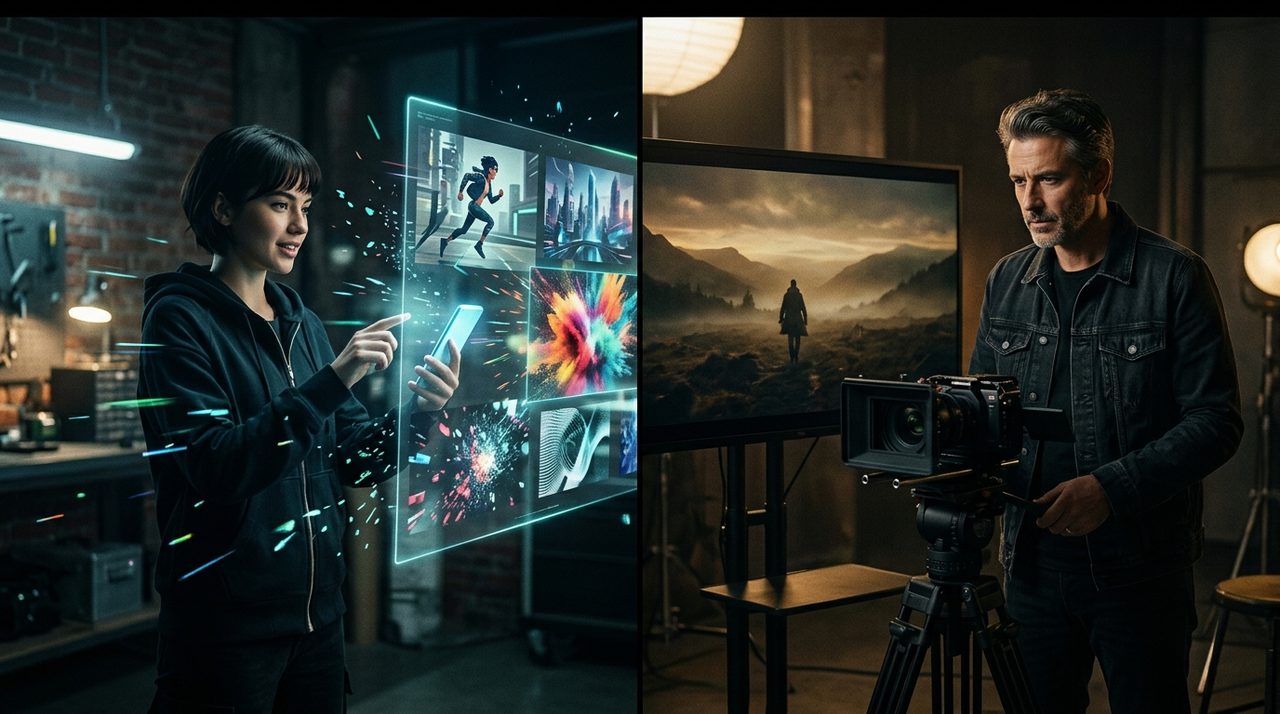
Pika Labs vs Google DeepMind

Pika vs Veo

Pika (Idea to video in seconds with AI) compared to Veo (Google's most advanced cinematic AI video generation model.).

Pika vs Veo

Pika and Veo target adjacent jobs but take different approaches. This page compares them side by side on output paradigm, access, capabilities, and positioning — based on vendor-stated claims as of 2026-04-21 / 2026-04-21.

At a Glance

Pika Labs

Pika

Idea to video in seconds with AI

  • Features 'Pikaffects' that apply physics deformations (melt, explode, squish, cakeify) to objects with a single click.
  • Introduces 'Scene Ingredients' to easily composite customized characters, clothing, and objects together without complex prompting.
  • Includes 'Pikaframes', allowing users to upload a start and end image to automatically generate smooth interpolating animations.
See Pika details →

Google DeepMind

Veo

Google's most advanced cinematic AI video generation model.

  • First-party integration directly into YouTube Shorts, allowing millions to generate AI video backgrounds and cinematic elements natively.
  • Generates native, synchronized audio without requiring a separate post-processing sound model.
  • Understands advanced cinematic semantics and camera physics natively, accurately rendering specific commands like aerial tracking and rack focus.
See Veo details →

How They Compare

DimensionPikaVeo
Modalitytext-to-video, image-to-video, video-to-video, lip-sync, sound-effectstext-to-video, image-to-video, video-to-video
Release statusga (2023-11-28)ga (2024-05-14)
CapabilitiesText-to-Video Generation · Image-to-Video Animation · Pikaffects Deformations · Keyframe Transitions (Pikaframes) · Scene IngredientsNative Audio Generation · Cinematic Camera Control · Image & Video Animation · Fast & Lite Modes
Max Resolution1080p (Pro Plans)4K (Standard/Pro), 1080p & 720p (Fast/Lite)
Max DurationUp to 10 seconds
Generation Speed10-90 seconds
Base Subscription Cost$10/month (Basic)
Aspect Ratios16:9, 9:16
Frame Rate24 - 30 fps
Base Duration4 to 8 seconds natively, extendable via API and looping

Which Should You Choose?

  • Pick Pika if you need: Features 'Pikaffects' that apply physics deformations (melt, explode, squish, cakeify) to objects with a single click..
  • Pick Veo if you need: First-party integration directly into YouTube Shorts, allowing millions to generate AI video backgrounds and cinematic elements natively..
  • Both come from different vendors — consider your existing stack.

Related

Last verified: 2026-04-21 (Pika) · 2026-04-21 (Veo)