Mode purpose
VerifiedBuild and tweak your own physical 3D world on the fly
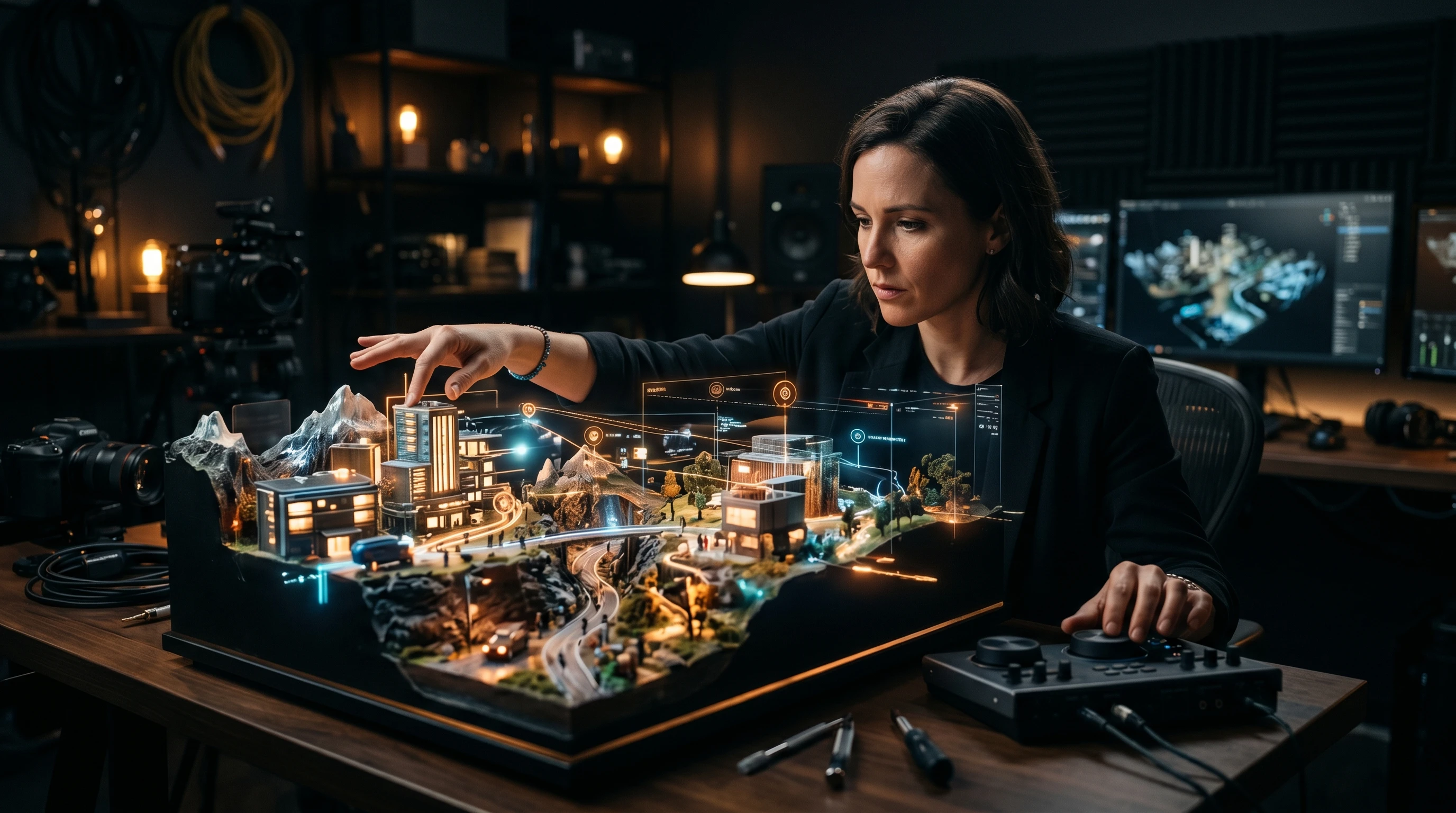
Directing mode in Happy Oyster lets you build and modify a physical 3D world in real time, adjusting lighting, scene composition, and narrative elements as the world evolves around your creative decisions.
Key facts
Build and tweak your own physical 3D world on the fly
Adjust lighting, storylines, and scene composition as events unfold
Sound updates alongside visual changes in real time
Recommended tool
Put what you learned into practice with a beginner-friendly AI animation workflow.
Powered by Elser.ai — use it as a practical next step after the guide.
Try AI Image AnimatorVerified signal
Directing mode as a core function is confirmed by multiple sources. Specific UI details are inferred from functional descriptions since the product is in limited early access.
The copy can stay direct because the core claims on this page are supported by public evidence.
Directing mode is one of Happy Oyster's two core interaction paradigms, and it is the one designed for creators who want control. Where Wandering mode is about exploration and discovery, Directing mode is about intentional world-building. You describe a world, the model generates it, and then you shape it in real time.
According to Alibaba's description and press reporting, Directing mode lets you "build and tweak your own physical world on the fly." This means the model generates an initial 3D environment from your prompt and then gives you real-time control over how that world evolves.
The key capabilities reported include:
The distinguishing factor is real-time responsiveness. Unlike a render-and-review workflow where you submit changes and wait, Directing mode operates as a continuous feedback loop between your creative decisions and the model's world simulation.
Game environment design: Directing mode is natural for game developers who need to prototype 3D environments. You can describe a game level, generate an initial version, and then iterate on lighting, layout, and atmosphere in real time. This is significantly faster than traditional 3D modeling workflows for the concept and prototyping phases.
Film scene composition: Film production teams can use Directing mode as a virtual location scout and previsualization tool. Describe a scene, generate the environment, and then adjust camera angles, lighting, and mood to plan shots before committing to physical production or traditional VFX pipelines.
Interactive content creation: For creators building interactive experiences, Directing mode provides a way to construct worlds that feel physically grounded. The model maintains spatial coherence and physical rules, so environments feel believable even as you modify them.
Architectural and spatial visualization: Although not the primary target audience, architects and spatial designers can use Directing mode to generate and modify 3D spaces based on descriptions, rapidly exploring how different lighting conditions, materials, and layouts affect the experience of a space.
Effective Directing mode prompts establish strong foundations with controllable elements. For detailed prompt strategies, see Happy Oyster Prompts, but the core principle is: mention the physical properties you plan to adjust.
If your prompt describes specific light sources, you can direct those lights later. If it establishes weather conditions, you can modify the weather. If it places objects in specific locations, you can rearrange them. The prompt creates the vocabulary of control you will have during the directing session.
Example approach: "A rooftop restaurant at sunset with warm string lights, a jazz trio in the corner, city skyline visible in the background, light breeze moving tablecloths" gives you control over the time of day (sunset can shift to night), the lighting (string lights can be dimmed or brightened), the atmospheric elements (breeze can increase), and the ambient audio (the jazz trio and city sounds).
Directing mode represents one half of what Alibaba calls the shift from "passive generation" to "active simulation of world evolution." Traditional text-to-video models produce a clip and stop. Directing mode produces a world that keeps running and keeps responding to your input.
This approach to world simulation has implications beyond creative content. The same technology that lets a director adjust lighting in a virtual scene can let a robotics engineer adjust physical conditions in a training environment. Alibaba has explicitly noted that world model technology serves both creative and technical applications.
For the exploration-focused counterpart, see Wandering Mode. For general usage guidance, check How to Use Happy Oyster. For the latest access status, visit Try Happy Oyster.
Get tested prompts, comparison cheat sheets, and workflow templates delivered to your inbox.
FAQ
You can adjust lighting, scene composition, storyline progression, physical elements, and environmental conditions in real time as the 3D world evolves.
Directing mode gives you creative control to build and modify a world. Wandering mode is a first-person exploration experience where the world generates and expands around you.
Game environment designers, film directors composing shots, architects visualizing spaces, and anyone who needs precise creative control over a 3D scene.