Target use case
VerifiedAlibaba explicitly lists film production as a primary target alongside gaming for Happy Oyster
A practical guide for filmmakers on using Happy Oyster's Directing mode for previsualization, virtual set design, and cinematic scene generation with native audio-video output.
Key facts
Alibaba explicitly lists film production as a primary target alongside gaming for Happy Oyster
Native multimodal architecture produces synchronized audio with visual content, reducing post-production audio work
Real-time control over lighting, storylines, and scene elements maps directly to film direction workflows
Recommended tool
Put what you learned into practice with a beginner-friendly AI animation workflow.
Powered by Elser.ai — use it as a practical next step after the guide.
Try AI Image AnimatorMixed signal
Film production is a confirmed target use case per Alibaba's announcement. Specific production workflow details are projected based on the model's described capabilities.
Readers should expect careful wording here because public reporting confirms the topic, while some product details still need cautious treatment.
Alibaba's Happy Oyster was launched on April 16, 2026, with film production named alongside gaming as a primary target use case. The 3D world model, built by the ATH Innovation Division, brings a fundamentally different approach to cinematic content creation compared to traditional text-to-video tools.
Traditional AI video generation tools produce flat, passive clips from text prompts. You describe a shot, wait for rendering, and evaluate the fixed result. Happy Oyster operates differently because it generates interactive 3D environments that you can direct in real time.
For film production, this distinction matters in several key workflows:
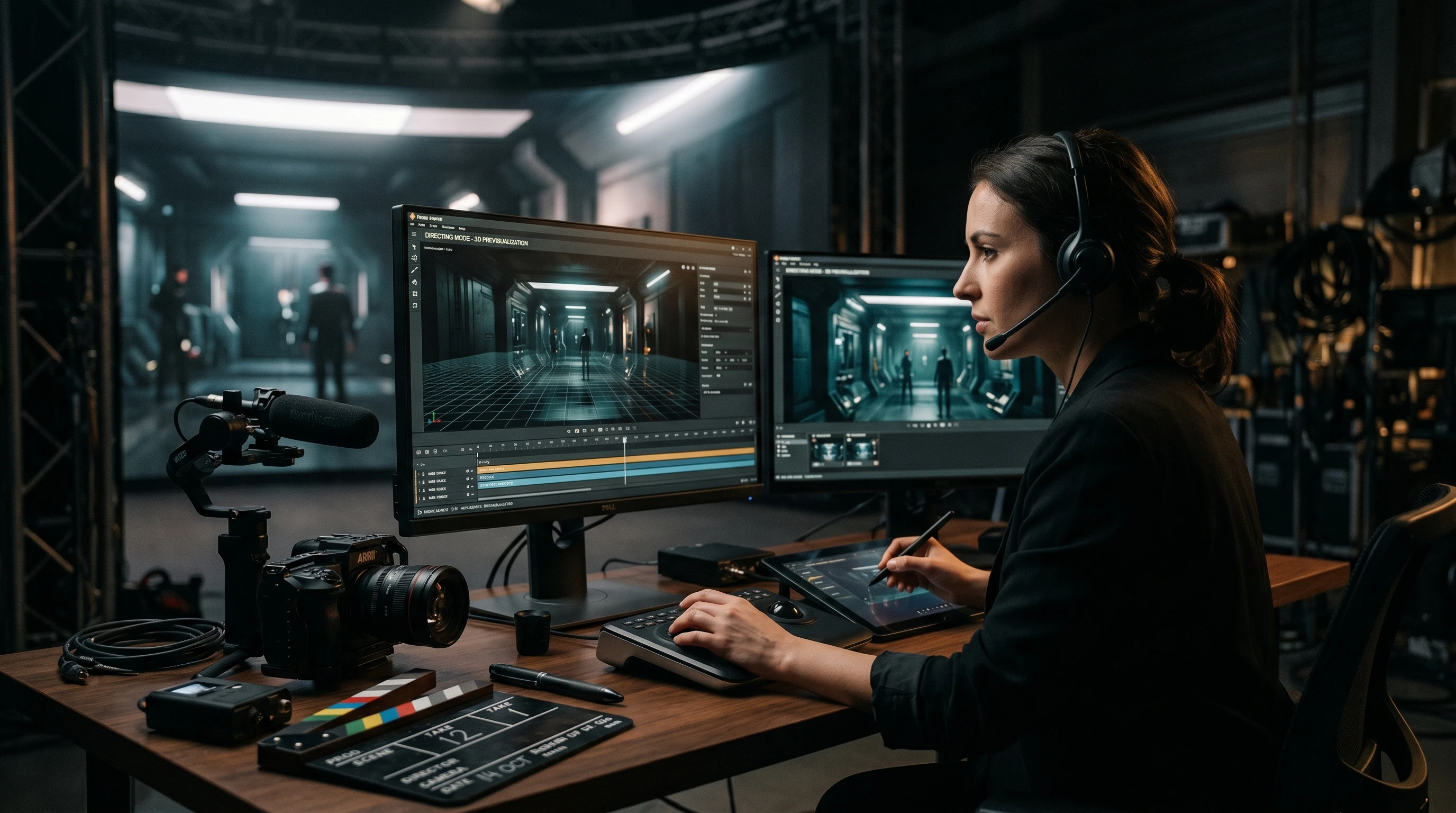
Directing mode is where Happy Oyster most directly maps to film production work. The mode gives you real-time control over:
Lighting. Adjust the quality, direction, and color of light as the scene generates. Test golden hour conditions, harsh overhead lighting, or moody low-key setups without separate rendering passes.
Storyline progression. Direct the narrative flow of a scene as it unfolds. This is not predefined animation but real-time world evolution that responds to your creative choices.
Environmental elements. Modify weather, time of day, set dressing, and atmospheric conditions during generation. A scene that starts in clear daylight can transition to overcast or storm conditions as you direct.
The key advantage for directors is the immediacy of the feedback loop. Instead of writing a prompt, waiting for a render, evaluating, and re-prompting, you are actively shaping the scene as it builds.
Most AI generation tools treat audio as an afterthought, requiring separate generation or manual sound design. Happy Oyster's native multimodal architecture produces synchronized audio alongside visual content.
For film production, this means:
This does not replace professional sound mixing, but it can significantly accelerate early-stage production work where temporary audio helps evaluate scene effectiveness.
Happy Oyster is currently in limited early access, so a full production pipeline integration is not yet possible. Here is how filmmakers can prepare:
For filmmakers exploring multiple AI tools for production, Elser.ai offers a centralized workflow for comparing and accessing different generation platforms.
This website is an independent informational and comparison resource and is not the official Happy Oyster website or service.
Get tested prompts, comparison cheat sheets, and workflow templates delivered to your inbox.
FAQ
Happy Oyster can generate 3D environments with real-time direction control, which could accelerate previs workflows. However, it is in early access and integration with standard film production pipelines has not been confirmed.
Yes. Its native multimodal architecture co-generates audio alongside video, producing synchronized environmental audio and soundscapes as part of the scene output.
Specific output resolution and format details have not been fully confirmed during the early-access phase. Check back for updates as Alibaba releases more technical specifications.